Understanding AI quotas
We're one of very few builders that tell you exactly what your AI usage looks like. Here's how it works.
The AI Usage dashboard
Visit /account/ai-usage from inside the editor. You'll see Today, This Month, model breakdown, and recent requests:
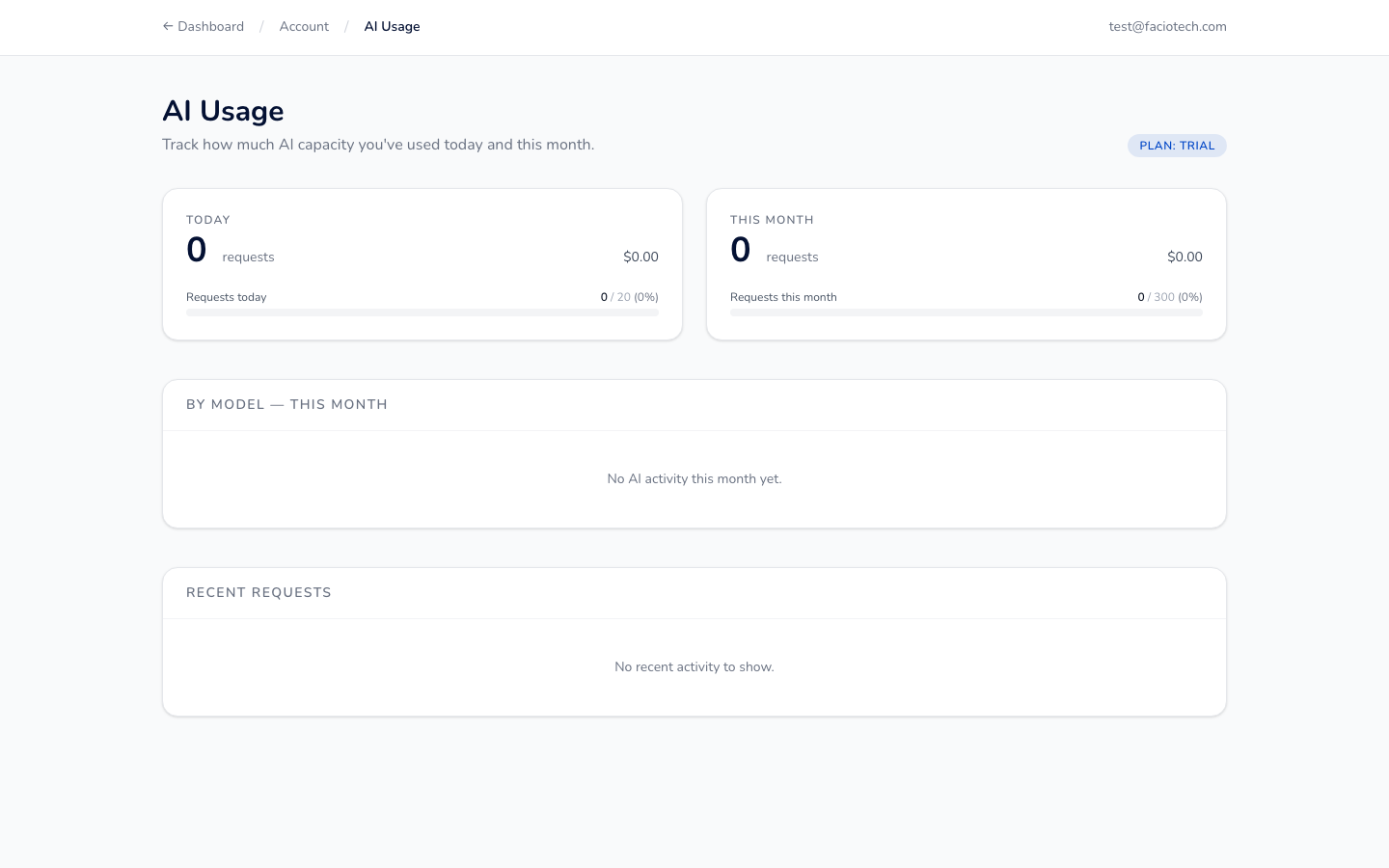
The top cards show:
- Today — how many AI requests you've made today + cost in USD
- This Month — running monthly total + your quota usage as a percent
- By Model — which Claude / GPT model handled each request (when applicable)
- Recent Requests — last few calls with input tokens, output tokens, and cost
What counts as one "AI message"?
Each round-trip with the AI counts as one message:
| Action | Counts as |
|---|---|
| Generating a complete six-page site from a sentence | 1 message |
| Asking the AI to remix the homepage hero | 1 message |
| Asking the AI to rewrite the About page copy | 1 message |
| Generating a paragraph for a single section | 1 message |
Quotas reset on your billing renewal date each month.
Monthly quota by plan
| Plan | Quota |
|---|---|
| Free trial | 5 messages |
| Starter | 50 / month |
| Creator | 250 / month |
| Pro | 1,000 / month |
| Business | 2,500 / month |
| Business+ | 10,000 / month |
| Commerce | 25,000 / month + BYOK |
| Agency Lite | 25,000 / month |
| Agency Pro | 100,000 / month + BYOK |
| Enterprise | Custom |
Going over quota
If you hit your monthly limit, you have three options:
1. Add a one-off boost
Add the +1000 AI Messages add-on at checkout — $5/month recurring. Available on every plan from Starter up.
2. Upgrade tier
Move to the next plan up. New quota applies immediately to the rest of the current billing cycle.
3. BYOK — Bring Your Own Key
Available on Commerce, Agency Pro, and Enterprise plans.
Use your own Anthropic or OpenAI API key. Quota is then governed by your contract with the AI provider, not us. Your dashboard still shows usage; we just don't bill for it.
Why we surface AI cost
Most AI builders (Wix Harmony, Squarespace AI, Hostinger AI, etc.) cap your usage opaquely and charge "credits" you can't translate to dollars or tokens. We think that's wrong. You should be able to see exactly what your AI calls cost. So we show it.
This is one of three things we include by default that competitors charge extra for — see What makes us different.